
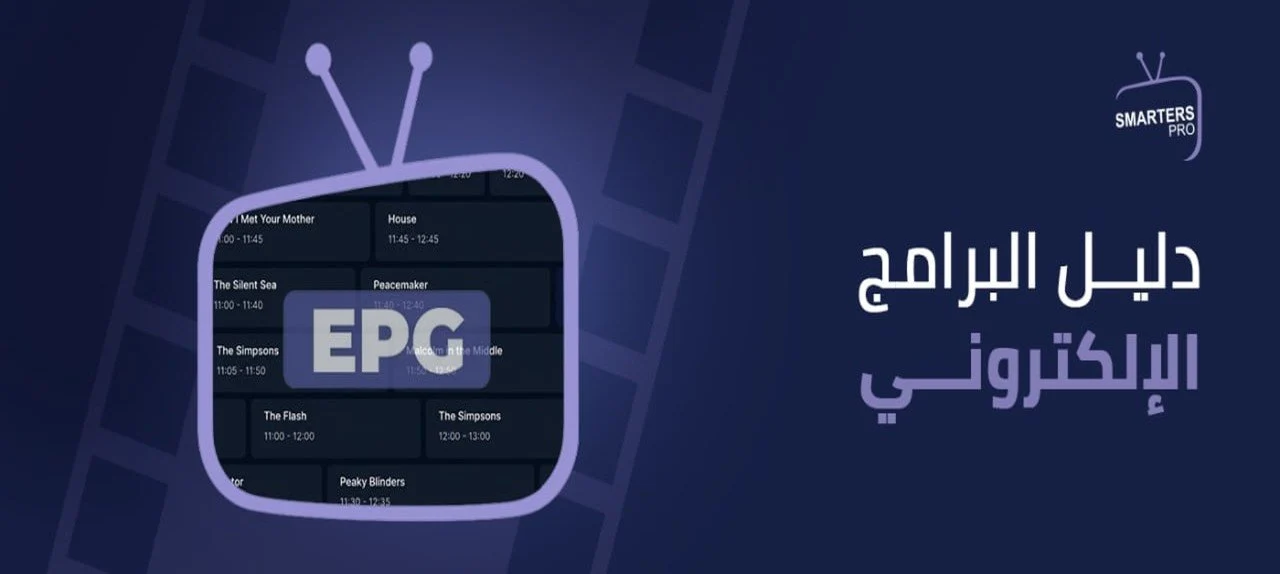
Many users may not realize that seamless channel browsing isn’t just about the number of channels available, but rather how clear the information is as you navigate between them. When you can see the program title, start time, and upcoming shows without leaving the app, your viewing experience becomes far more organized and less reliant on random searching. This is where the Electronic Program Guide (EPG) shines as a key feature adding real value to IPTV apps and services, helping you follow content much more smoothly.
In this article from Smarters Store, you will learn how this technology works, its key benefits, why it sometimes stops working, along with practical steps to help you make the most of it.
What is an Electronic Program Guide (EPG)?
The acronym EPG stands for Electronic Program Guide. It is a system that displays a program and channel timeline within an app, allowing users to view the current show title, upcoming schedules, show durations, and additional details such as content genre or a brief summary—all based on data provided by the service provider.
Although the concept of an Electronic Program Guide is not new, integrating it with IPTV services offers much greater flexibility. The data is updated online regularly, ensuring that you see fresh, accurate information tailored to the channels available in your subscription.
How Does IPTV EPG Data Reach Your Media Player App?
EPG data doesn’t appear in the app randomly; it goes through several stages to ensure broadcast schedules arrive on your device in an organized, constantly updated manner. These stages include:
1. Generating and Updating Program Data
The process begins by preparing files containing program info for each channel, such as the title, start and end times, and content description. This data is usually formatted using XMLTV, which makes it easy for apps to parse and update periodically.
2. Mapping Program Data to Channels
Once the data is prepared, each channel is linked to its specific schedule using unique identifiers, allowing the app to accurately match every channel with its correct programming when loading information.
3. Loading Data into the App
When you launch your IPTV app or refresh the EPG, the app connects to the data source, downloads the latest program schedules, and caches them locally to display as you browse channels.
4. Displaying Information Based on Device Settings
In the final stage, the app displays the program details adjusted for your device’s time zone and settings, ensuring current and upcoming broadcast times appear accurately synced with the channels.
How Does an EPG Transform Your IPTV Experience?
An EPG does far more than just list show titles; it adds an essential layer of organization that makes IPTV apps much easier to use, especially when navigating dozens or hundreds of daily channels. Its benefits include:
Knowing What’s Playing Now and What’s Up Next
It allows you to see the currently playing program on each channel while displaying upcoming shows for the next hours or days, helping you plan your viewing without constant channel flipping.
Accessing Detailed Content Information
It showcases extra details about a movie or show, such as title, genre, runtime, and a brief synopsis, helping you quickly decide what to watch.
Easier Channel Navigation
The schedule enables you to jump straight to the channel airing your desired program instead of manually scrolling through dozens of channels.
Streamlining the Viewing Experience
It brings order to channel surfing by laying out programs on a clean timeline, significantly reducing the time spent hunting for something to watch.
Tracking Your Favorite Showtimes
It helps you keep track of episode airings, sports matches, or key broadcasts so you never miss the content you love.
Saving Time While Browsing
Instead of tuning into every channel to check what’s playing, the guide lets you preview schedules directly from the app interface for faster access.
Supporting a Smarter User Experience
When EPG data is integrated into IPTV apps, the player interface transforms into an interactive guide that empowers you to browse content and make viewing decisions with ease.
Why Might EPG Data Fail to Display?
Users may sometimes encounter missing show info or a “No Information” message in the app. This is typically caused by one of the following reasons:
- The IPTV media player app does not support EPG features.
- The EPG URL or data source was not added correctly.
- Delayed EPG data sync after activating the subscription.
- Using an outdated media player app version that requires an update.
- A temporary internet connection issue while loading the guide data.
- EPG data for certain channels is unavailable or pending updates from the service provider.
- The guide data needs to be manually reloaded from the app settings.
5 Steps to Restore Electronic Program Guide Data
Most EPG-related issues can be resolved with a few simple troubleshooting steps that resync the data with your app, including:
- Manually updating EPG data in the app settings.
- Restarting the app once the update is complete.
- Verifying that your device’s time zone settings are correct.
- Double-checking the EPG data URL if the app allows manual entry.
- Contacting your service provider if the issue persists to ensure the latest EPG files are available.
How to Choose an IPTV Service with an Updated EPG
EPG quality doesn’t depend solely on the app; it relies heavily on the IPTV provider’s dedication to keeping data organized and up to date. Paying attention to the following criteria will help you choose a provider that offers an accurate, hassle-free viewing experience:
- Continuous EPG Data Updates: Ensures broadcast times are accurate and minimizes outdated or incomplete show info.
- Full EPG Support: Choose a subscription that provides a fully compatible program guide for its channel lineup.
- Compatibility with Popular IPTV Apps: Ensures program data renders smoothly across various media player apps without parsing or updating errors.
- Well-Organized Channels and Programs: Makes browsing channels seamless and gives you quick access to your favorite content.
- Fast Data Sync: Guarantees schedule updates appear quickly without requiring constant re-configuration.
- Reliable Customer Support: Makes it easy to resolve EPG loading or updating issues and ensures the guide runs smoothly.
The more of these factors a provider meets, the greater the benefit of using an Electronic Program Guide—transforming your IPTV experience into an organized, seamless journey with faster access to content at the right time.
What Is the Difference Between an EPG and a Channel List?
Some users confuse a channel list with an Electronic Program Guide, even though each serves a distinct function within IPTV apps. The following table highlights the key differences between them:
Feature |
Electronic Program Guide (EPG) |
Channel List |
| Function | Displays current and upcoming programs along with their showtimes | Displays and organizes channel names |
| Data Type | Show title, broadcast time, and content description (when available) | Channel names and category groupings only |
| Updates | Continuously updated based on broadcast schedules | Changes only when channels are added or removed |
| Key Benefit | Helps plan viewing schedules and select desired content | Enables quick navigation to a specific channel |
Frequently Asked Questions About EPG Systems
Does EPG work on all IPTV apps?
No, support varies from app to app. It is recommended to use an IPTV player that offers full support for fetching and updating EPG data.
How often is EPG data updated?
This depends on your service provider. EPG data may be updated multiple times a day or on a set schedule to ensure you always see the latest programming.
Does an Electronic Program Guide require an internet connection?
Yes, the app requires an active internet connection to download or refresh program schedules. It may cache data locally until the next scheduled update.
Does an EPG consume a lot of internet data?
No, EPG data usage is minimal compared to video streaming. It is only used to download and update schedule files when needed.
Switch from Random Searching to Smarter Viewing!
When knowing what’s playing now and what’s airing next becomes part of your viewing routine, using IPTV becomes much more organized and enjoyable. That’s why an Electronic Program Guide isn’t just an extra feature—it’s an essential tool that saves time and helps you reach your favorite content effortlessly, without endless channel flipping.
At Smarters Store, you’ll find the best IPTV subscriptions, devices, and media players designed for a complete entertainment experience—allowing you to choose the perfect solution for your needs and enjoy every feature to the fullest.
Before setting up your Smarters subscription, check your device compatibility. Learn more about supported devices and how to activate your subscription across various platforms—including iPhone, iPad, Android devices, Smart TVs, and Fire Stick—so you can find the right guide for your setup and start watching effortlessly.